Most technical SEO audits I see these days are frankly a bit "thin."
They check the boxes for sitemaps, robots.txt, and maybe a few stray 404s. But for large-scale institutions: state agencies, federal departments, and major universities: the "basics" haven't been enough for a long time.
If you are managing a complex web presence in 2026, you aren't just fighting for rankings; you are fighting against organizational inertia and the tech talent gap. You have teams of developers and content creators pushing updates constantly, often without a centralized architect to say "Stop."
The result? Bloat. And in 2026, bloat isn't just a "slow site" problem. It’s an indexation crisis.
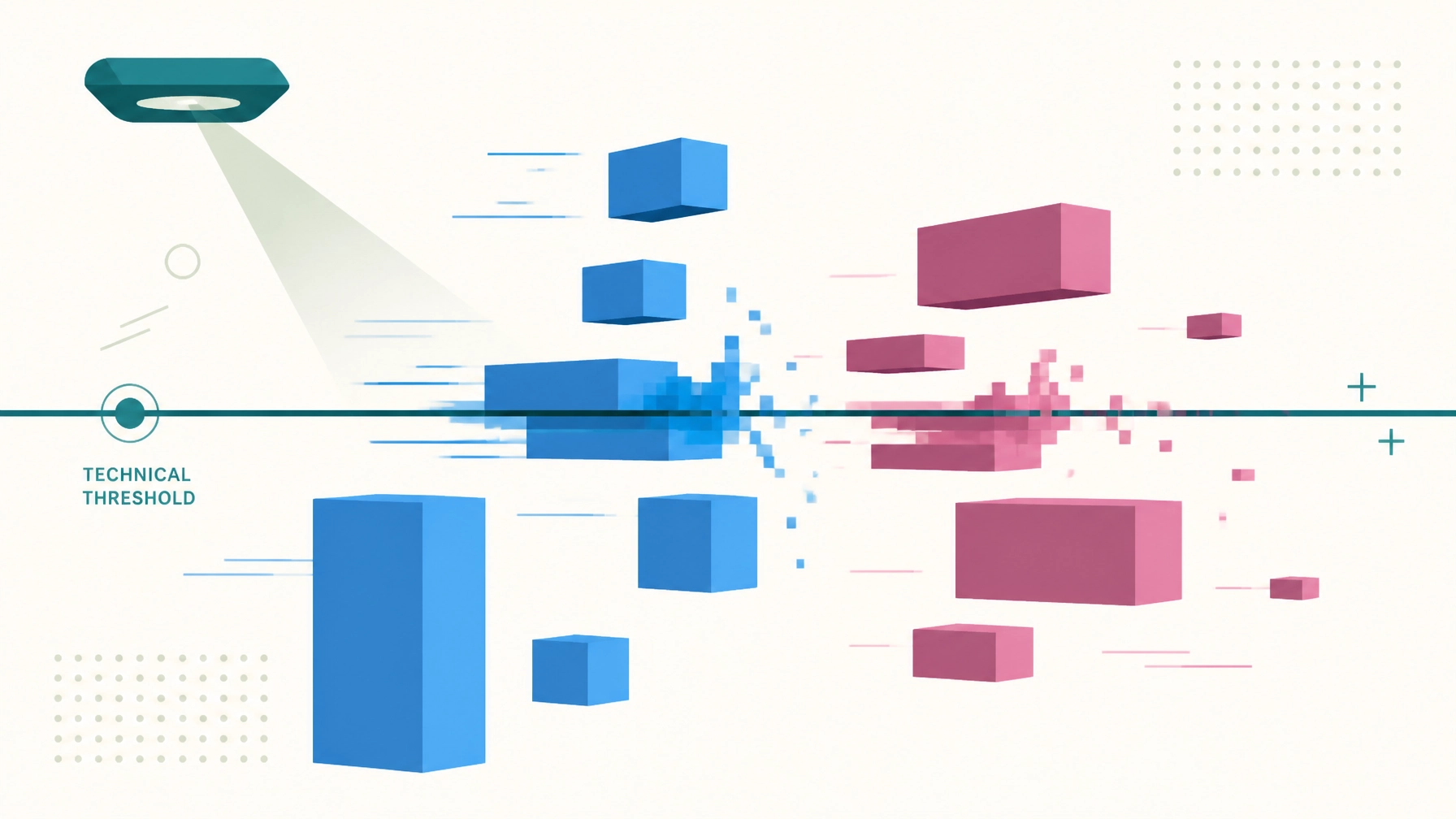
Let’s talk about the 2MB threshold. It is the silent killer of enterprise visibility that your current audit is likely ignoring.
The 2MB Hard Cap: Why Your Best Content Might Be Invisible
When we talk about "page weight," most people think about user experience. They think about a student on a spotty 5G connection trying to load a course catalog. That’s important, but there is a much more technical, colder reality: Googlebot has a hard cap.
Google’s crawler fetches up to 2MB of raw HTML per individual URL.

If your HTML document crosses that 2MB line, Googlebot simply stops. It performs a partial fetch. It doesn't send you an error message in Search Console. It doesn't tell you the page is too big. It just takes the first 2MB, hands it to the indexing system, and acts like the rest of the page doesn't exist.
What are you losing in the "invisible" half of your page?
- Structured Data: If your Schema.org markup is at the bottom of a bloated template, it might never be seen.
- Internal Links: The navigation footer or related content links: crucial for crawling large sites: get truncated.
- Legal Disclosures: For government agencies, if your mandatory accessibility or privacy links are cut off, you aren't just losing SEO; you’re increasing liability.
If you haven't checked your raw HTML response sizes lately, you aren't doing a technical audit. You’re doing a visual inspection.
Core Web Vitals in 2026: It’s an Interaction Game
Back in 2024, Google swapped First Input Delay (FID) for Interaction to Next Paint (INP). Two years later, many organizations are still struggling to catch up.
Why? Because INP is a significantly higher bar. While FID only measured the first time a user interacted with a page, INP measures the responsiveness of every interaction during the entire visit.

For a tax department visitor flow or a university enrollment portal, INP is the difference between a "seamless" digital service and a frustrated citizen. If your site is "Good" on LCP (loading) but "Poor" on INP, it means you’re inviting people into a house where the doors are stuck and the lights take three seconds to turn on.
The 2026 Benchmarks to Hit:
- INP (Interaction to Next Paint): ≤ 200 ms.
- LCP (Largest Contentful Paint): ≤ 2.5 seconds.
- CLS (Cumulative Layout Shift): ≤ 0.1.
According to 2026 industry data, roughly 35% of sites that passed the old FID standards are currently failing INP. This usually isn't because of a single "bad image." It’s usually caused by Main Thread Blocking: too much JavaScript trying to do too many things at once.
The third metric, Cumulative Layout Shift, gets less attention than INP but causes its own kind of damage. CLS measures how much your page’s visual elements jump around while loading — a button that shifts down half a second after the page appears, right as a user was about to tap it. For a government service portal, that’s not just annoying: it’s how a citizen accidentally submits the wrong form field or clicks a link they didn’t mean to. The usual culprits are images without explicit width and height attributes, ads or embeds that inject late, and web fonts that swap in after a different fallback font has already rendered. All three are fixable without a redesign, but they get missed constantly because CLS only shows up when you actually watch a page load rather than just checking a final screenshot.
The Business Impact: Performance as a CX Launching Pad
I always tell my clients: Tools are secondary; the system is everything.
Whether you are using HubSpot, Marketo, or a custom government CMS, the software doesn't matter if your data visibility is obscured by poor performance. We need to move away from the "speeds and feeds" approach and frame performance as Customer Experience (CX).

Benchmarks from Performance.gov and reports like the Granicus State of Digital Government show that trust in institutions is directly tied to the "ease of use" of their digital services.
If a citizen can’t submit a form because the JavaScript is hanging, they don't blame the CMS. They blame the agency. In a world where AI discovery is becoming the primary way people find information, having a high-performance, lightweight site is your ticket to being cited by LLMs.
Fixing This in the Right Order
You can’t fix a 10,000-page university site overnight. Address the most critical visibility hurdles first.
First: Visibility and Indexation
- Audit HTML Payloads: Use a crawler like Screaming Frog to identify any URLs approaching 1.5MB of HTML.
- Kill the Bloat: Move inline CSS and JavaScript to external files. This doesn't just help speed; it ensures your HTML stays under the 2MB Googlebot cap.
- Prioritize the Header: Ensure your most important content and structured data are in the first 100KB of the document.
Then: INP and Engagement
- Identify Blocking Scripts: Use Chrome DevTools to find "Long Tasks" that freeze the main thread.
- Yield to the Main Thread: Break up heavy JavaScript into smaller chunks.
- Optimize Interaction: Ensure that when a user clicks a "Submit" or "Filter" button, they get immediate visual feedback: even if the process takes a second to complete.
Finally: Apps and Sovereignty
- Server-Side Rendering (SSR): For complex B2B or Gov apps, move the rendering work to the server. This guarantees Googlebot sees a complete page and users see a fast one.
- Data Sovereignty: Ensure your analytics and tracking aren't the primary cause of your performance issues. Move to server-side tagging where possible to reclaim control of your site's speed.
The Bottom Line
Technical SEO in 2026 isn't about "tricking" an algorithm. It's about ensuring your organization’s digital footprint is accessible, reliable, and visible.
If your current audit hasn't mentioned the 2MB HTML limit or provided a specific plan to improve INP, you aren't getting a strategic roadmap: you’re getting a list of chores.
Ready to see what’s actually happening under the hood of your enterprise site? Let’s move your organization from data-drowning to insight-driven.
Reach out for a Technical SEO Audit that looks past the surface.